
EverBee favorites is an experimental approach taken to help users better structure their saved research findings. Through research, we understood that users were limited in terms of the present favorites feature and looked to expand on that while designing for scalability as well.
Background
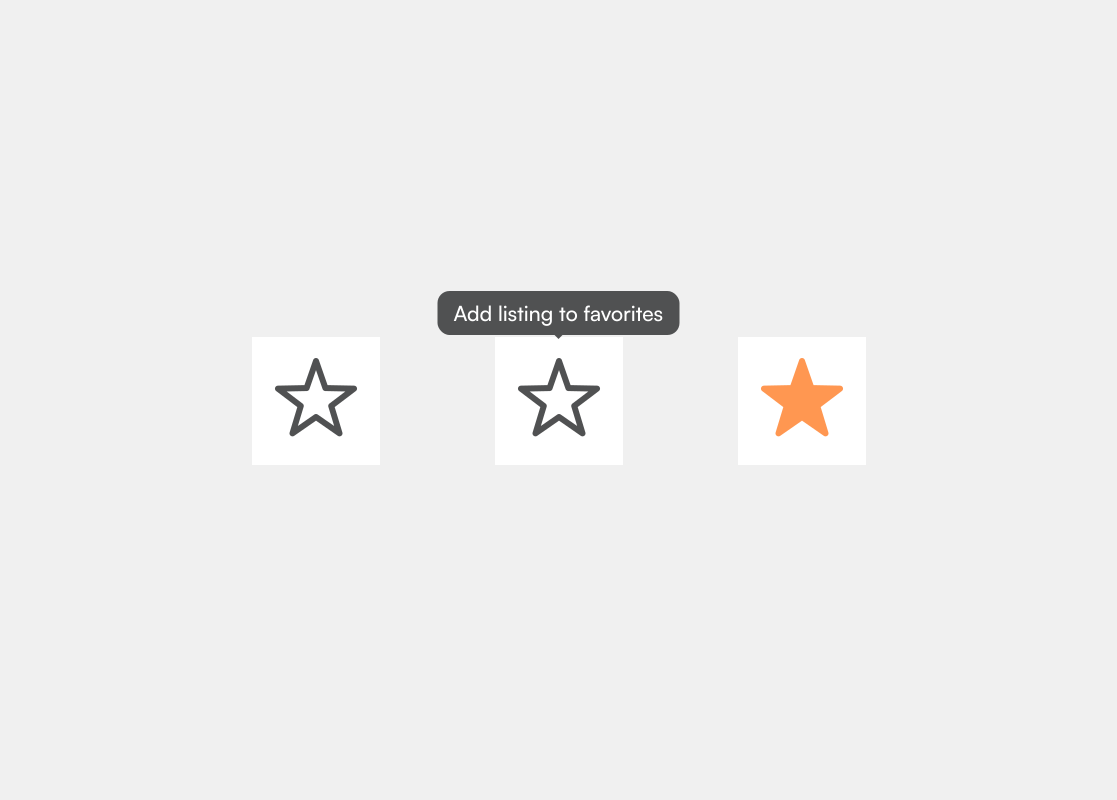
Favorites are an integrate feature of the research experience.
Favorites is the primary platform for users to save their most preferred metrics. As a result, there is the opportunity to maximize the scope of this feature and make sure users get the experience attainable.
Problem
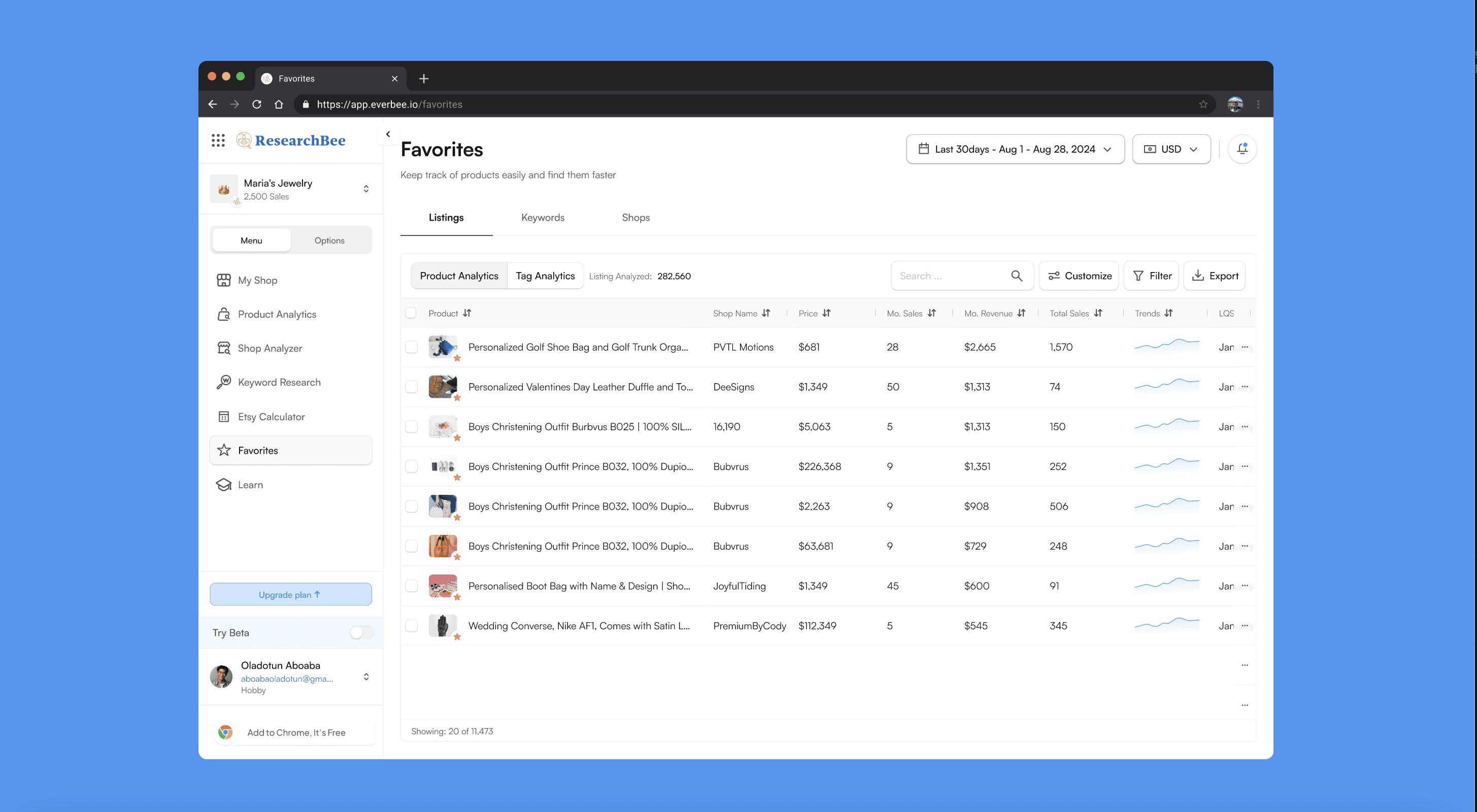
Users have only one favorites file
The present favorites feature allows users to add various elements but with limitations. There is an opportunity to create an improved experience for users that offers more structure and diversity.
Solution
Creating a more functional improved favorites feature
After several design iterations, testing and user interviews, I explored several functionalities and user exploration opportunities as each direction had their pros and cons. I later had to conduct rapid prototyping sessions to validate design concepts before concluding on the design direction to be taken.

1
Create favorites folders
Users can now sort their favorited analytics for product listings, keywords and shops into folders to better orgranize things. As the primary folder owner, users can name and rename folders, as well as control access for other users.

2
Grant access for team members
The primary folder owner can grant team members access to all folders created. They can grant either the view, edit and export. The view permission grants team members to only view contents of the folder. Edit access gives users the right to modify contents of the folder by adding or removing its contents. Export permission grants a user all edit access rights along with the ability to download the contents of the entire folder into a detailed excel sheet.
3
Favorites hub
We created a dedicated page for users to manage all their favorited research listings. On this page, they manage all access rights, all folders and can create new and edit or delete existing folders.
